
5 min read
Website Speed: Why It Matters and How to Check It. Core Web Vitals Explained Simply
A slow website loses customers and falls behind in Google. Here is how speed affects sales, what Core Web Vitals mean, how to check your site for free and what usually slows it down.
You open a website on your phone, the screen stays white and the loading bar barely moves. How long will you wait? Most of us go back to the search results after a couple of seconds and open the next site. Your customers do exactly the same. That is why site speed is not a "technical detail". It directly affects leads and sales.
Why speed matters so much
1. Visitors don't wait
According to Google research from 2017, as mobile page load time goes from 1 second to 3 seconds, the probability of a visitor bouncing increases by 32%. Every extra second burns part of the money you spend on ads and SEO: the person reached your site but left without seeing anything.
2. Google takes speed into account
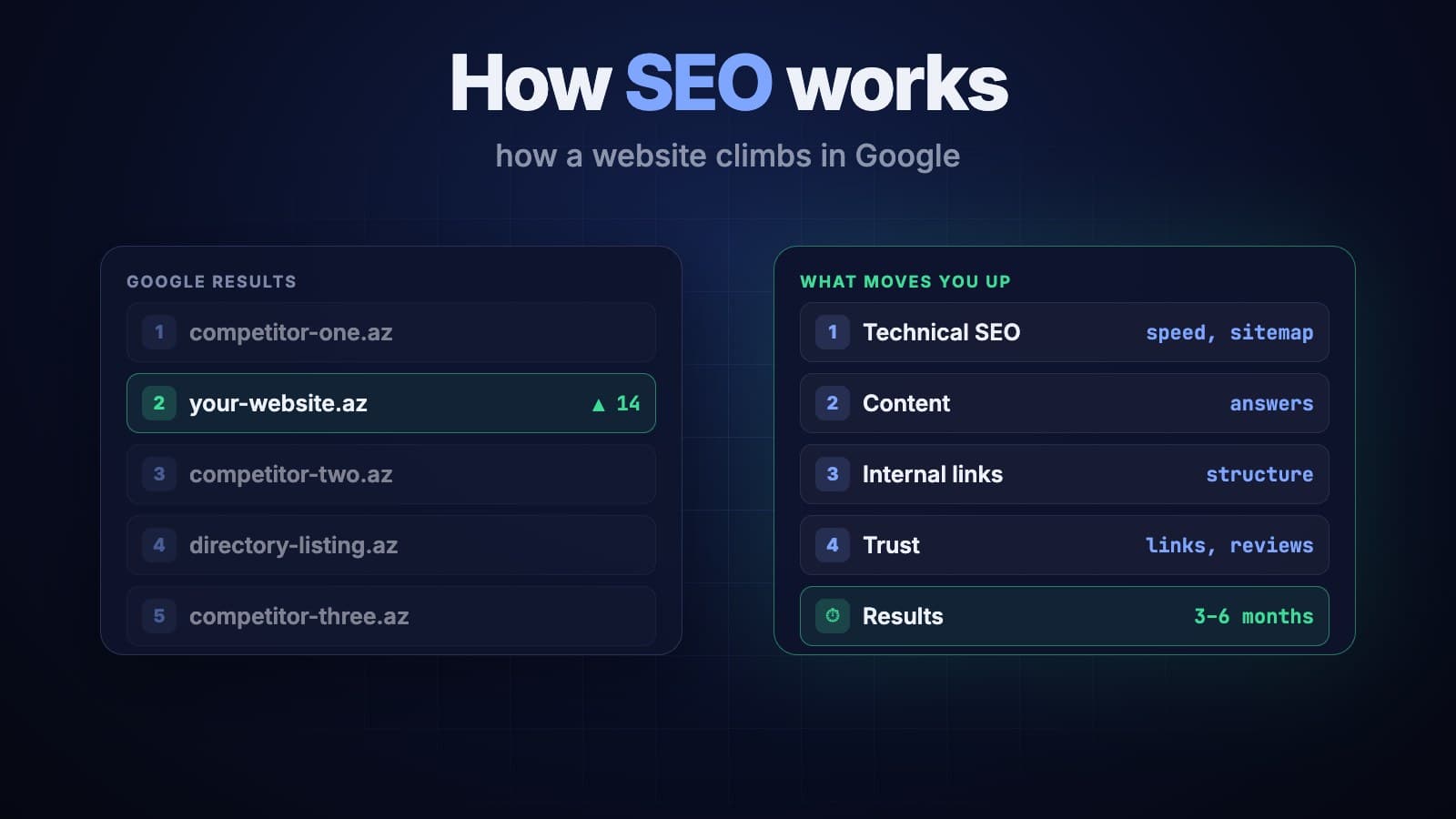
Google's ranking systems consider page experience, including Core Web Vitals. Speed alone won't put you in first place, content still comes first. But when everything else is equal, a faster and more convenient site gets the edge over competitors. We explain how search promotion works in a separate article.
3. Ads cost more
In Google Ads, landing page experience is one of the factors behind an ad's Quality Score. A slow, awkward page means a lower score, and a lower score means you pay more for the same click.
Core Web Vitals explained simply
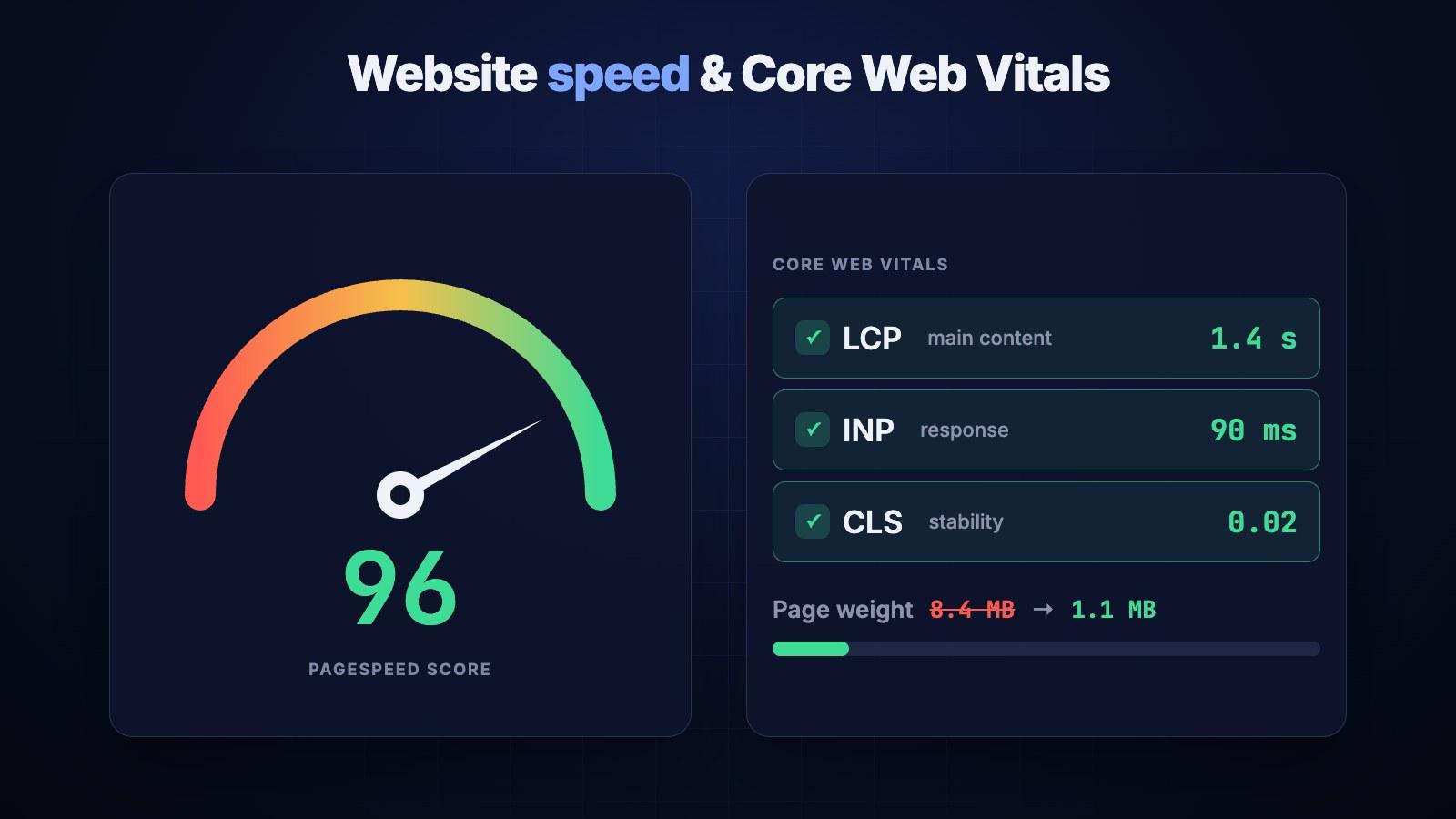
Google measures how comfortable a site is for people with three main metrics:
- LCP (Largest Contentful Paint): how quickly the main content of the page appears, such as a large image or the headline. A good result is up to 2.5 seconds.
- INP (Interaction to Next Paint): how quickly the site responds when you tap a button or open a menu. A good result is up to 200 milliseconds. In 2024 this metric replaced the older FID.
- CLS (Cumulative Layout Shift): how much elements jump around while the page loads. You're about to tap a button, a banner loads above it and you hit something else. Sound familiar? That's a CLS problem. A good result is up to 0.1.
One important point: Google evaluates these metrics using data from real users. Your fast connection and new laptop don't count. A customer's older phone on mobile data can show a very different picture.
How to check your site's speed
You don't need to be a developer. Three free tools are enough:
- PageSpeed Insights: enter your site's address and get a report in about a minute. At the top you'll see real-user data (if the site has enough traffic), and below it a lab test with suggestions on what to fix.
- Google Search Console: the Core Web Vitals report covers the whole site and shows which groups of pages have problems.
- Lighthouse in Chrome: right-click the page, choose "Inspect" and open the Lighthouse tab. Handy for testing a version of the site that isn't published yet.
When you test, keep a few things in mind. Check the mobile version, because most visitors come from phones. Test service and product pages, not just the home page. And don't chase a perfect 100: the green zone (90 and above) plus good Core Web Vitals is enough for most businesses.
What slows a website down most often
- Heavy images. The most common cause. A 4–5 MB photo straight from a phone gets uploaded without compression. Converting to WebP or AVIF and resizing for the screen can cut an image's weight many times over with no visible loss of quality.
- Extra scripts and plugins. Every analytics tag, pixel, slider and plugin adds load. It's not unusual to see 30–40 plugins on a WordPress site, half of them no longer in use.
- Weak hosting. If the server is slow to respond, the rest of the optimization won't help much. If your audience is in Azerbaijan, it also matters that the server or CDN is close by.
- Fonts and widgets. Several font families, a live chat, a map, social media feeds: each one sends its own requests to someone else's servers.
- No caching or CDN. The page is rebuilt from scratch every time and served from a distant server, even though it could be stored ready to go.
- Heavy autoplay video. A background video looks great, but without proper compression and a separate mobile version it noticeably slows the page.
How to speed up a website: a short checklist
- Convert images to a modern format (WebP/AVIF) and serve them at screen size.
- Lazy-load images and videos below the first screen.
- Remove unused plugins, scripts and pixels.
- Turn on caching and a CDN.
- Use fewer fonts and host them on your own server.
- Reserve space for images and banners in advance so the page doesn't jump.
- Check your hosting: if the server responds slowly, move to a stronger plan or another provider.
When rebuilding the site makes more sense
Sometimes one or two fixes solve the problem. But if the site runs on a heavy ready-made theme with dozens of plugins, every optimization breaks something else. In that case rebuilding the site on modern technology often costs less than endless patching. We build websites so that speed is a requirement from day one, not a problem to fix later: optimized images, minimal scripts, caching and a Core Web Vitals check. If you're about to order a site, this guide will help too.
The bottom line
Site speed affects every visitor, every ad click and your position in Google. Check your site in PageSpeed Insights today: it takes ten minutes and tells you a lot. If you're not sure how to read the report or where to start, get in touch. We'll look at your site and tell you what is slowing it down. Together with SEO, speed work is usually one of the quickest wins.