
4 min read
Can AI Be Connected to Your CRM or 1C?
Yes, it can. We explain how AI connects to a CRM and 1C, which tasks it can realistically take on, why data quality matters so much and what stages the integration goes through.
AI in a chat window is a smart conversation partner, but it can't see your customers, deals, stock levels or invoices. The real value starts when the model is connected to the systems your company actually runs on. The short answer: yes, AI can be connected to a CRM and to 1C, the accounting and ERP platform widely used across the region. Let's look at how it works technically and which tasks can realistically be automated.
How the connection works
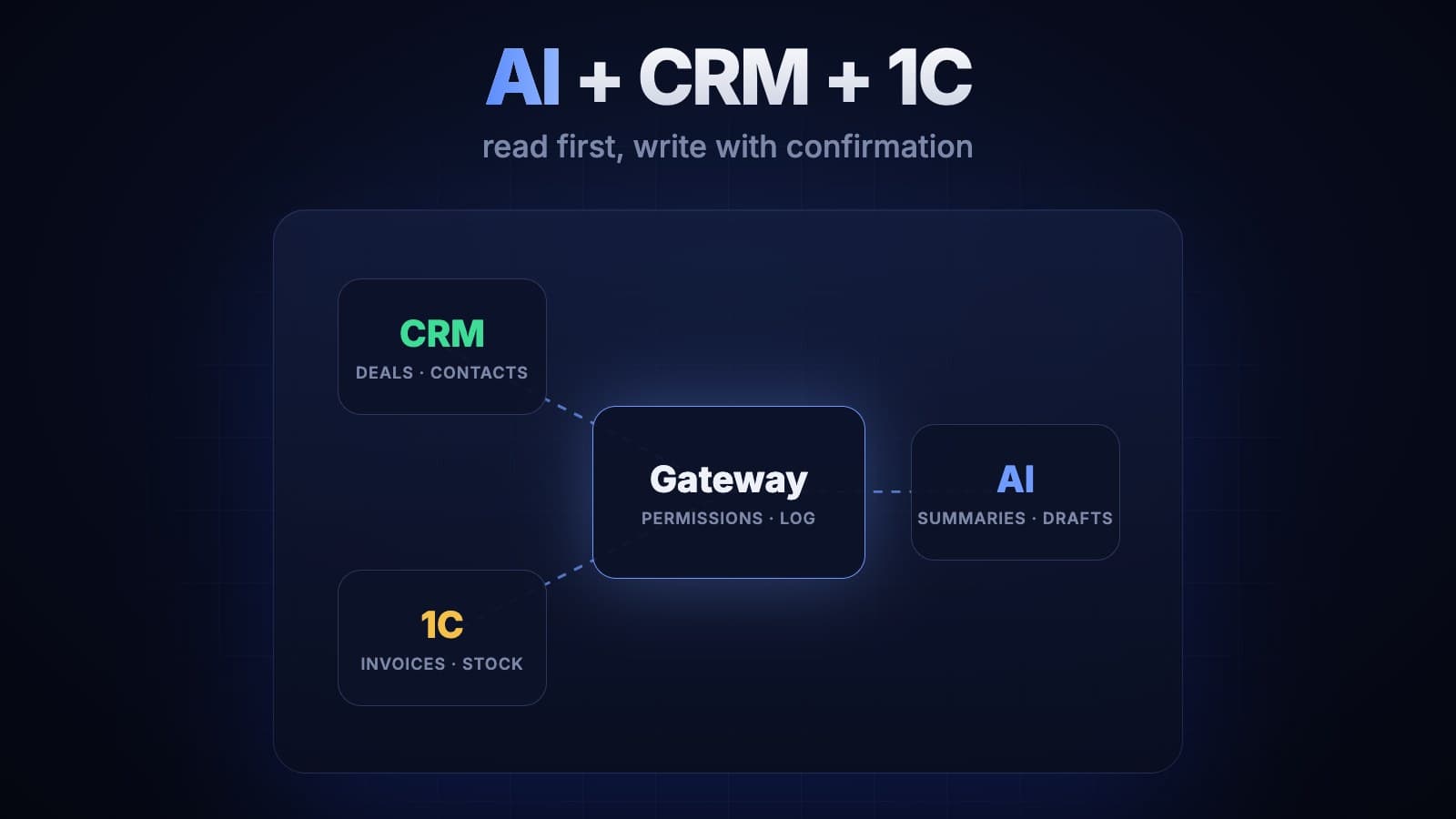
The model never goes straight into your database. We put an intermediate service between the model and your systems, and it does three things: pulls the data it needs from the system, passes only the permitted part to the model, and logs every action.
The connection to your systems goes through their APIs:
- CRMs. Bitrix24, amoCRM, HubSpot, Salesforce and most modern CRMs have a REST API, so customer records, deals and tasks can be read and written.
- 1C. Data is exposed through HTTP services or the OData interface. If an older configuration doesn't allow that, exchange files or an intermediate database are used.
- Your own system. If you have a custom-built CRM or ERP, we add the API it needs.
What AI can realistically do
- Call and conversation summaries. A manager's chat with a customer or a call transcript becomes a short summary saved to the CRM record: what the customer wants, what worries them, what the next step is.
- Auto-filled leads. Name, company, needs and budget are extracted from an email or website form, and a lead is created with the right fields filled in.
- Hints for managers. Based on the deal history, the model reminds: "The customer hasn't replied in two weeks; in similar cases a discount offer worked."
- Document recognition. A scanned invoice or delivery note is split into fields and a draft document is created in 1C. The accountant just checks and confirms it.
- Questions in plain language. A manager types: "How many orders came from Ganja this month, and what's the average order value?" The system turns that into a query against a 1C or CRM report and returns the answer with numbers.
- Real-time answers to customers. The website bot takes stock availability and prices straight from 1C, not from an outdated spreadsheet.
Read first, write later
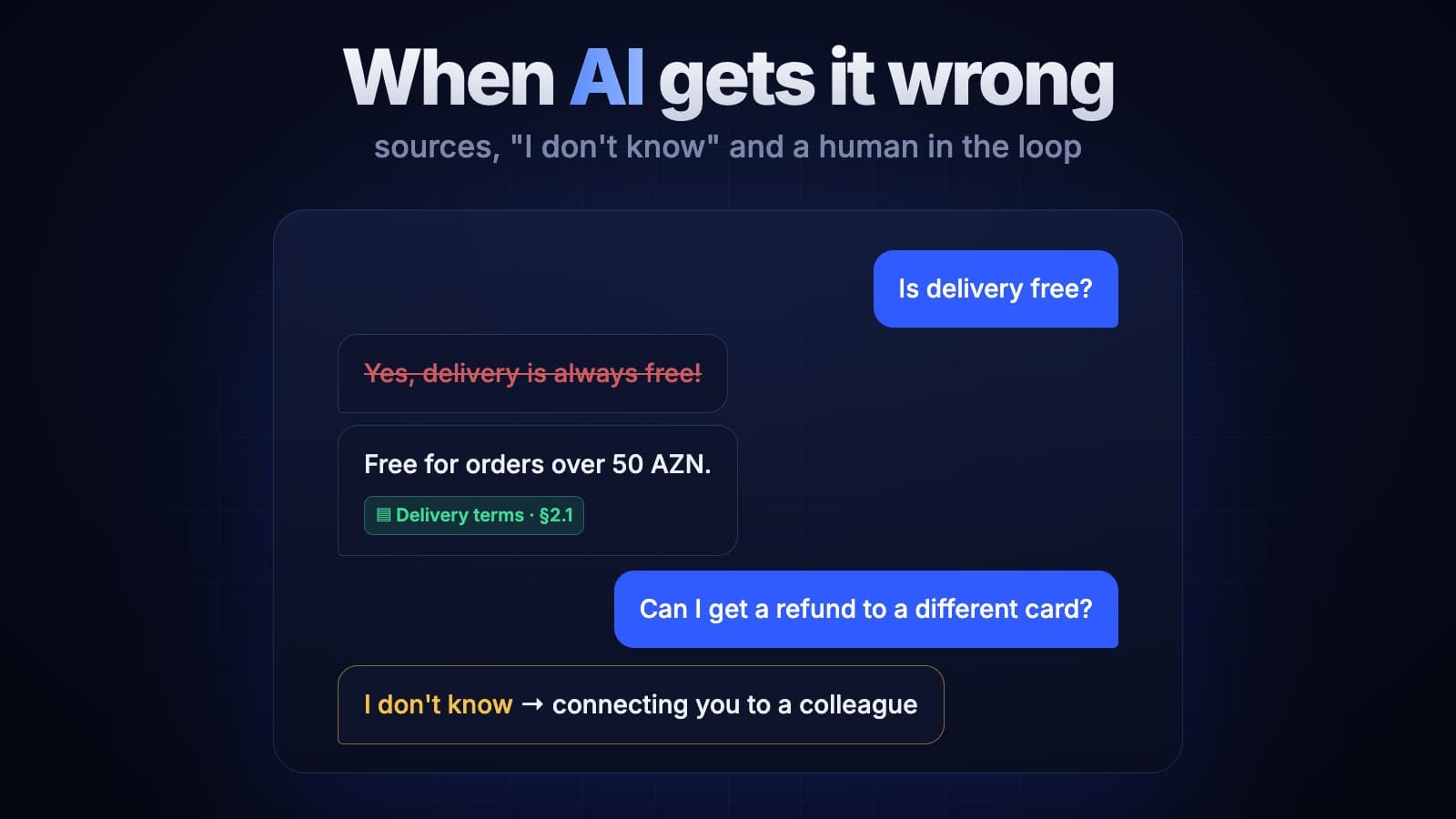
We start every integration with read-only access. The model sees the data and prepares summaries and hints, but changes nothing. Write access is added later, and at first only as drafts: the model fills in a record or prepares a document, and an employee confirms it. We explain why this matters in our article on what happens when AI gets it wrong.
Data quality decides everything
AI doesn't fix a mess, it amplifies it. If the same customer appears three times in the CRM, half the fields are empty and the product catalogue in 1C is a jumble, the model's answers will be a jumble too. So at the start of a project we run a short data audit: duplicates, empty fields, outdated records. Sometimes that clean-up alone brings the company noticeable value.
Integration stages
- Audit. Which systems you have, whether they have APIs, what state the data is in.
- Choosing one scenario. The process that takes the most time and is easy to measure, such as call summaries.
- Prototype. On a test instance or a copy of the system, without touching live work.
- Pilot. A few managers or one department use it in real work, and we measure the result.
- Rollout. To the whole team and to new scenarios.
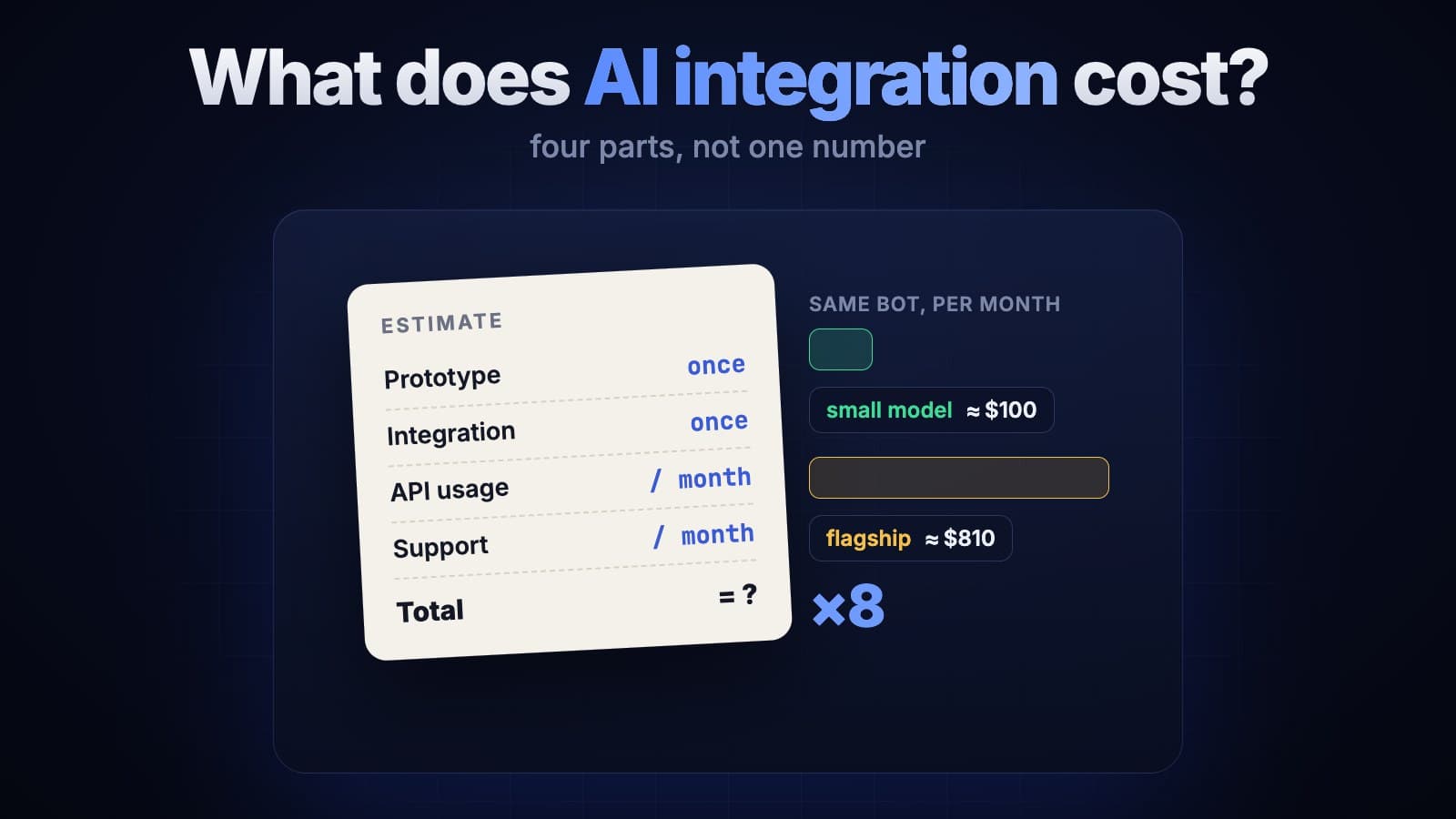
A prototype usually takes a few weeks. Overall timelines and budget depend heavily on the state of your systems' APIs; we go into this in our article on AI integration costs.
Security
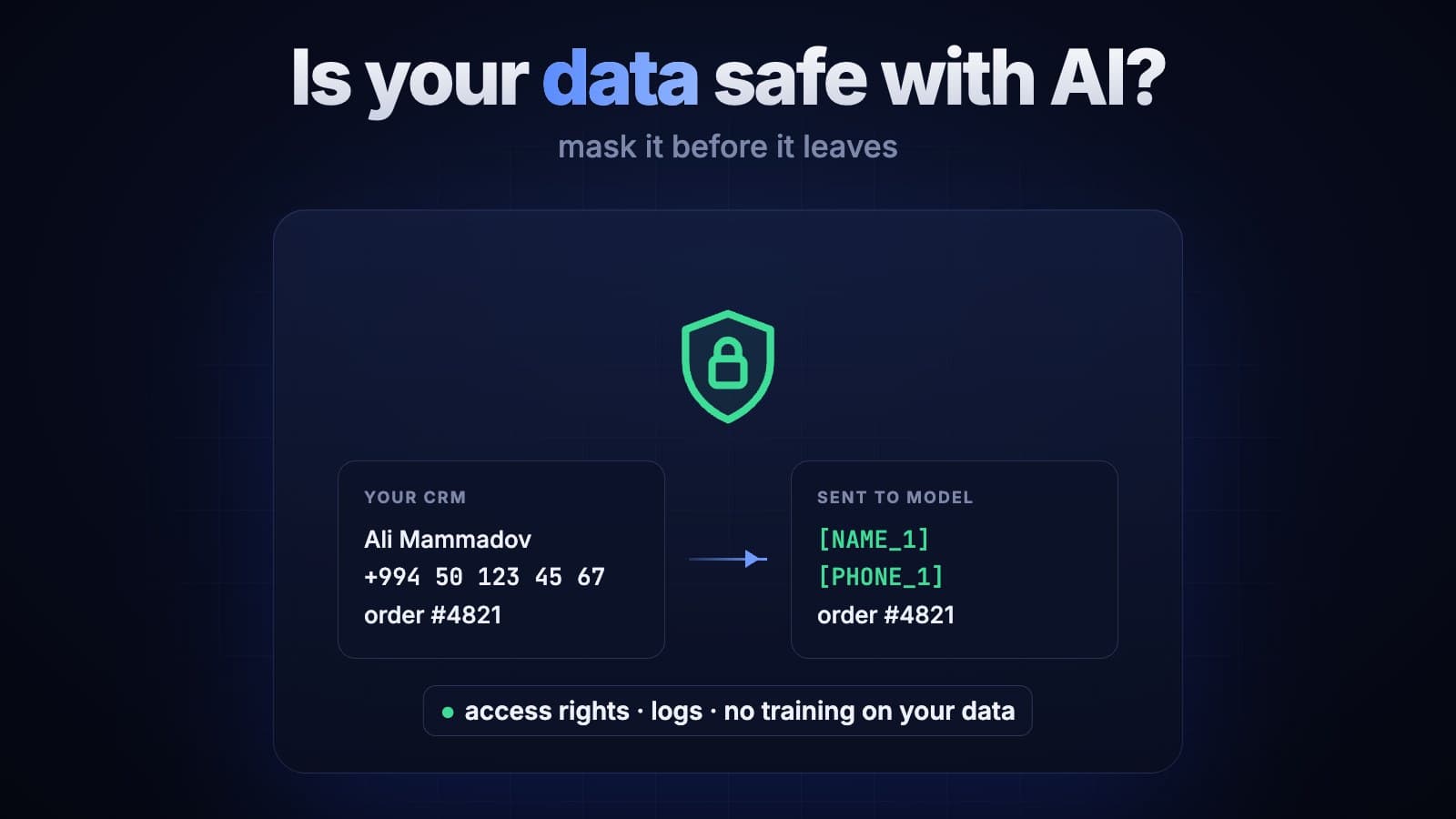
The model connects to the CRM or 1C through a separate technical account with limited rights and sees only the data the scenario needs. Customers' personal data can be masked before it reaches the model, and every request stays in the log. We cover this in a separate article on data security. And if you're curious how meaning-based search works, read our article on embeddings.
The bottom line
Once connected to your CRM and 1C, AI stops being a standalone toy and becomes part of everyday work: managers spend less time filling in records, accountants stop retyping documents, and leadership gets answers without waiting for a report. The key rules: connect through an intermediate service, start with read access, put write operations through confirmation, and get your data in order.
We work on both AI integration and CRM and ERP development, so we know both sides. If you'd like to assess together what can be connected to your system, get in touch.